

Accessibility Assistant
Ask the built-in chatbot about any issue and get a plain-language fix.
WCAG 2.1 · Level A & AA
We blend automated scanning, plain-language guidance and team workflows to help your product reach and stay WCAG 2.1 AA compliant.
Built for the tools and standards you already work with
Why i3
Great accessibility starts with understanding real people and real barriers. We built Saksham to catch what matters — not just what's easy to automate — and to explain every finding in plain language your whole team can act on.
See How It WorksInformation and interface components must be presentable in ways people can perceive — alt text, captions, and sufficient color contrast.
Interface components and navigation must be operable by everyone — full keyboard access, enough time, no seizure-inducing content.
Information and interface operation must be understandable — readable text, predictable behavior, and input assistance.
Content must be robust enough to be interpreted reliably by a wide variety of user agents, including assistive technologies.
Workflow
Take findings straight to the editor where the fix happens. Follow all five steps from detection to resolution.
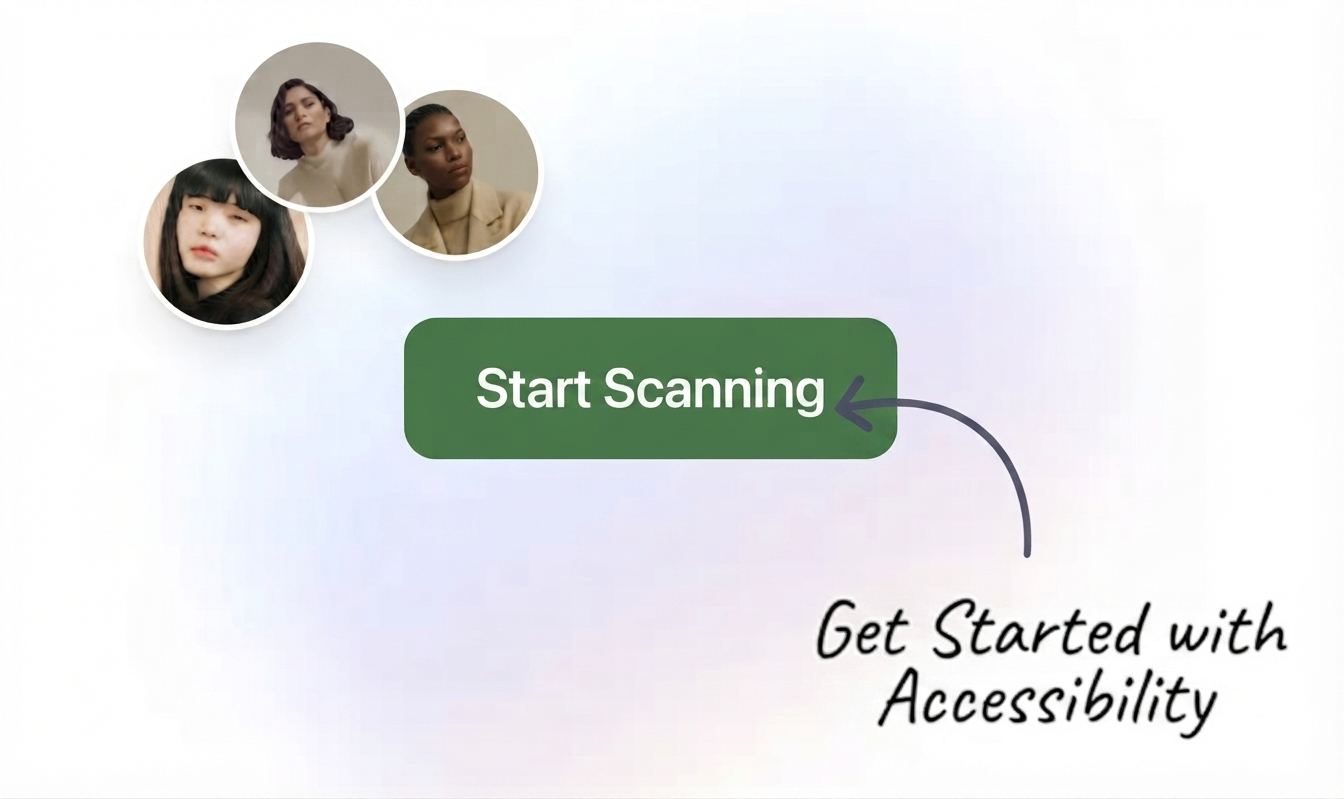
Step 1
Run Saksham on any page from the extension or the dashboard.
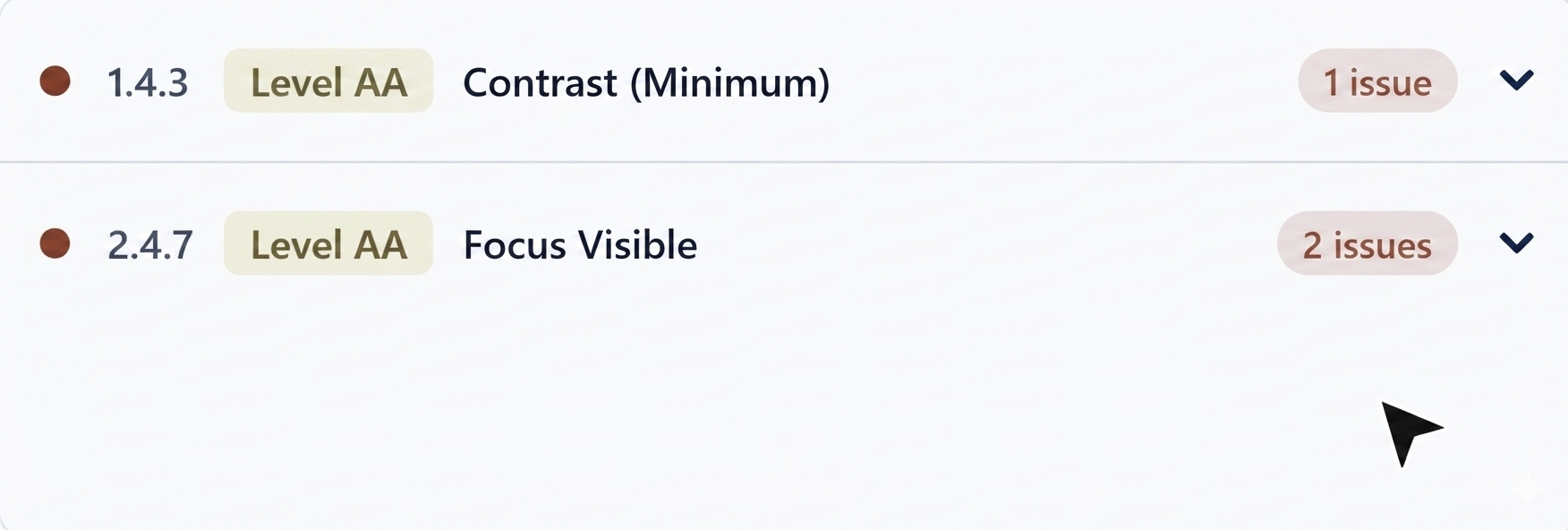
Step 2
Every finding, with its WCAG criterion and exact element.
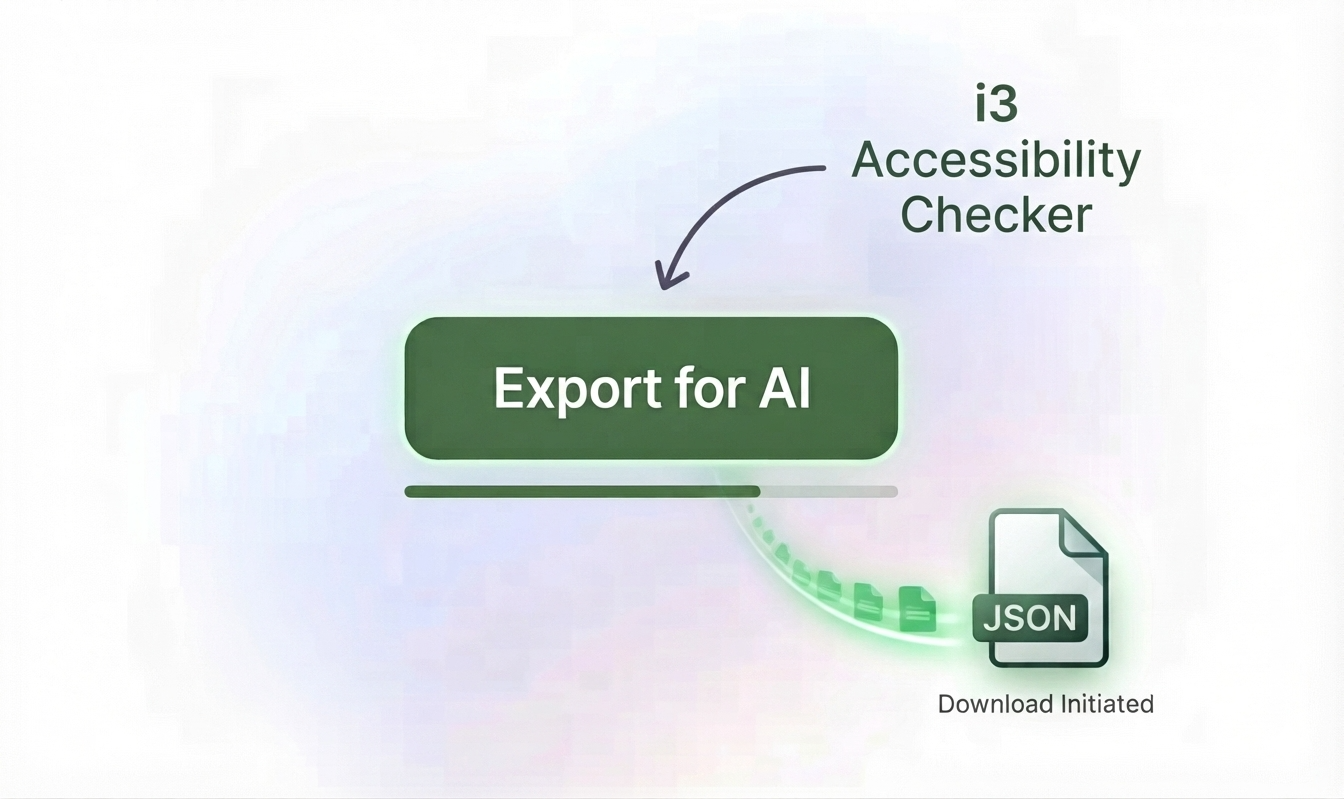
Step 3
One click turns the report into a clean, structured file.
I've attached a JSON file exported from our WCAG accessibility checker.
Each issue has a htmlSnippet (the broken element), description (what's wrong),
resolution (what WCAG requires), and selector/xpath (where it is on the page).

Please go through each issue and provide the corrected HTML/CSS/ARIA code.
Show the before and after for each fix.
Step 4
Attach the JSON export and paste the prompt above into your editor's AI chat.
Step 5
Re-scan to confirm the fix, and watch your score climb.
Product Tour
From the first scan to the final fix, every step lives in one place.
Ask the built-in chatbot about any issue and get a plain-language fix.
Browse every scan, drill into per-criterion breakdowns, and export results as JSON or CSV.
An instant, at-a-glance read on how accessible any page is.
Audit an entire site via its sitemap in a single run, screenshots included.
Overlay the exact keyboard tab order and flag forced-tabindex anti-patterns (WCAG 2.4.3).
Hear the page read aloud via built-in text-to-speech, approximating what screen reader users hear.
Built For Teams
Two features that turn one-off scans into an ongoing, org-wide compliance program.
Every project across every vertical, in one card view — compliance score, critical/major issue counts, and who last scanned it.
Turn any project's latest scans into a ready-to-share VPAT® 2.4 conformance report — no manual copy-paste.
What's Next
We're actively building the next layer of organization-wide accessibility management.
Bring in results from BrowserStack, axe-core, or Lighthouse and merge them into one unified compliance view and VPAT report.
Automatically re-scan your projects on a schedule and get notified the moment a page's compliance score drops.
Help
WCAG 2.1 AA is the internationally recognized standard for making web content usable by people with disabilities, and the level most commonly required by law (including ADA and Section 508).
Just the free browser extension for Chrome or Firefox. Sign up here first, then install the extension and sign in with the same account.
Yes. Reports and users can be organized by vertical and project, with role-based access so admins see everything and contributors see what's relevant to them.
Your reports are only visible to you, your vertical, or admins — never shared across organizations. See our Privacy Policy for details.
Ready?
Create your free account and run your first scan in under a minute.